Creative block, endless tweaking, ideas stuck in your head. The right AI tools for designers can change that. This guide compares the best AI design tools in 2026 so you can find one that fits your workflow and helps you push boundaries.
The world of design is changing fast. Artificial intelligence is no longer sci-fi. It shapes how designers work from concept to execution. AI design tools speed up workflows and open new creative options. Modern AI designs are more capable than ever while keeping quality high. Below we compare the top AI tools for designers so you can choose the right fit for your process.
Top AI Tools for Designers at a Glance
| # | Tool | Overview | Best For | Rating |
|---|---|---|---|---|
| 1 | Khroma | AI color palette generator | Quick color scheme ideas | ★★★★☆ |
| 2 | Uizard | Wireframes from hand-drawn sketches | Early-stage prototyping | ★★★★☆ |
| 3 | Remove.bg | Automatic background removal | Isolate elements, product shots | ★★★★½ |
| 4 | ScreenApp | Records screen activity and suggests design improvements | Fresh perspectives and optimization | ★★★★★ |
| 5 | Let's Enhance | Upscale and improve image resolution | Found imagery, enlarging visuals | ★★★★☆ |
| 6 | Artbreeder | AI blend and modify images | Concept art, original imagery | ★★★★☆ |
| 7 | Freepik AI | Background remover and replacer | Quick product shots, social | ★★★★☆ |
| 8 | Fakeface | Face swap in videos and images | Content creators, video editors | ★★★★☆ |
| 9 | YouCam Online | Browser-based AI photo editor | Quick edits, no install | ★★★★☆ |
| 10 | ImagineArt | Text-to-image AI generator | Quick visual inspiration | ★★★★☆ |
| 11 | Designs.ai | Logos, videos, mockups, graphics | Marketers, fast assets | ★★★¾☆ |
| 12 | Kittl | AI logos, typography, branding | Fast AI-assisted visuals | ★★★★½ |
| 13 | Deep Dream Generator | Psychedelic neural network filters | Experimental art | ★★★½☆ |
| 14 | Adobe Sensei | AI across Creative Cloud | Adobe ecosystem users | ★★★★½ |
| 15 | This Person Does Not Exist | AI-generated portrait placeholders | Mockup faces | ★★★☆☆ |
Top 15 AI Tools for Designers
Khroma - AI color palette generator
Creates harmonious color combinations from images, keywords, or themes
Khroma is an AI-powered color palette generator that uses algorithms to create harmonious color combinations. It can generate palettes based on images, keywords, or specific color themes. A fun and fast tool for brainstorming and expanding your color vocabulary.

Pros
- •Endless color inspiration at your fingertips
- •Finds visually striking color schemes
- •Saves time over manual color selection
Cons
- •May not fully account for brand identity or specific project needs
- •Some reliance on the designer's eye remains necessary
Best For
Designers looking for quick color scheme ideas, or needing help with color theory.
Uizard - Wireframes from hand-drawn sketches
Creates wireframes and prototypes from paper or whiteboard photos using AI
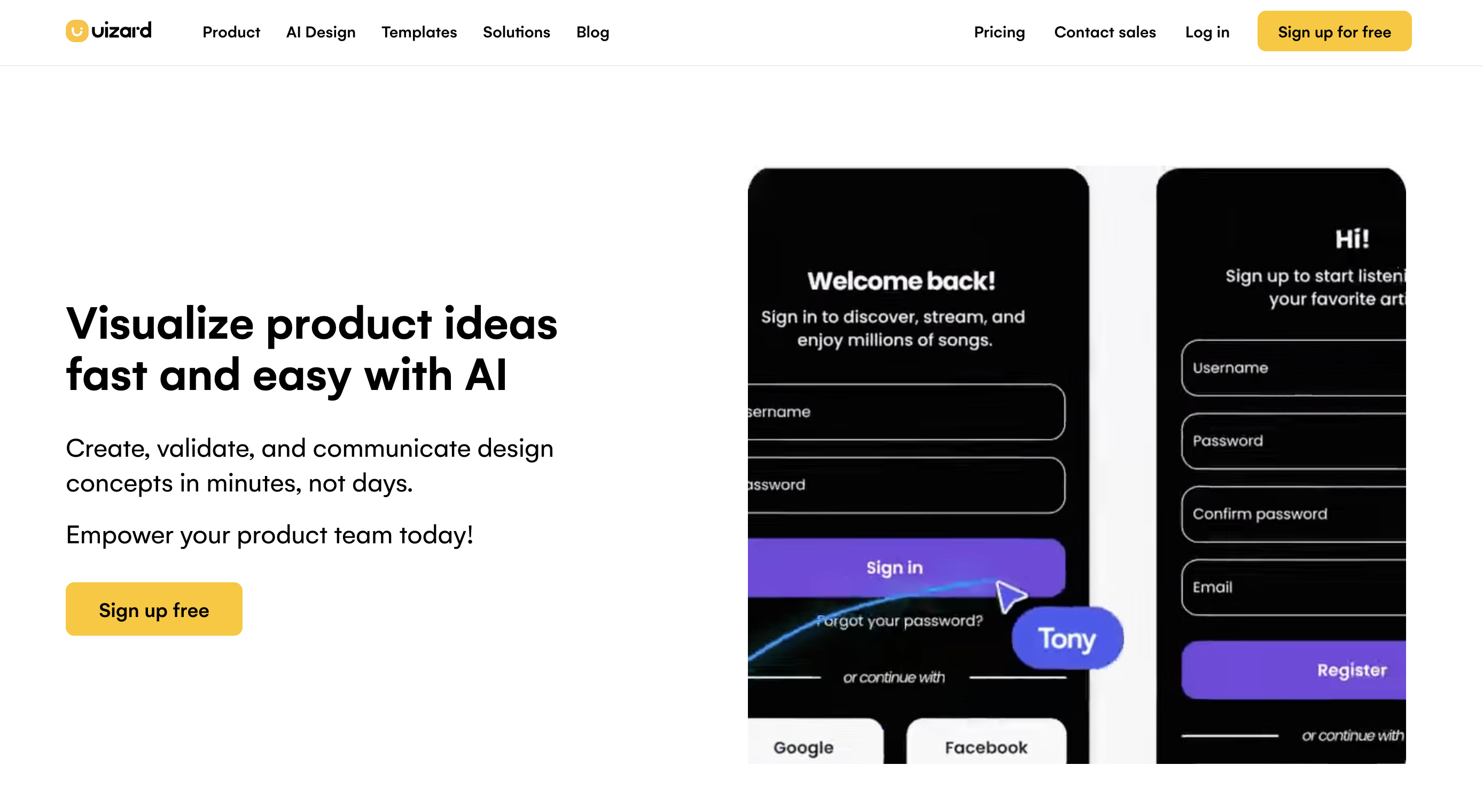
Uizard allows you to create wireframes and basic prototypes by simply drawing them on paper or a whiteboard and taking a photo. It uses AI to translate hand-drawn sketches into digital designs. A clever way to bridge hand-drawn ideas and digital tools.
Pros
- •Speeds up wireframing process significantly
- •Intuitive, low barrier to entry
- •Great for early-stage ideation
Cons
- •Limited fidelity and customization
- •Best suited for quick concepting rather than detailed design
Best For
Designers who prefer sketching, and those in need of fast early-stage prototyping.
Remove.bg - Automatic background removal
Removes backgrounds from images with high accuracy using AI
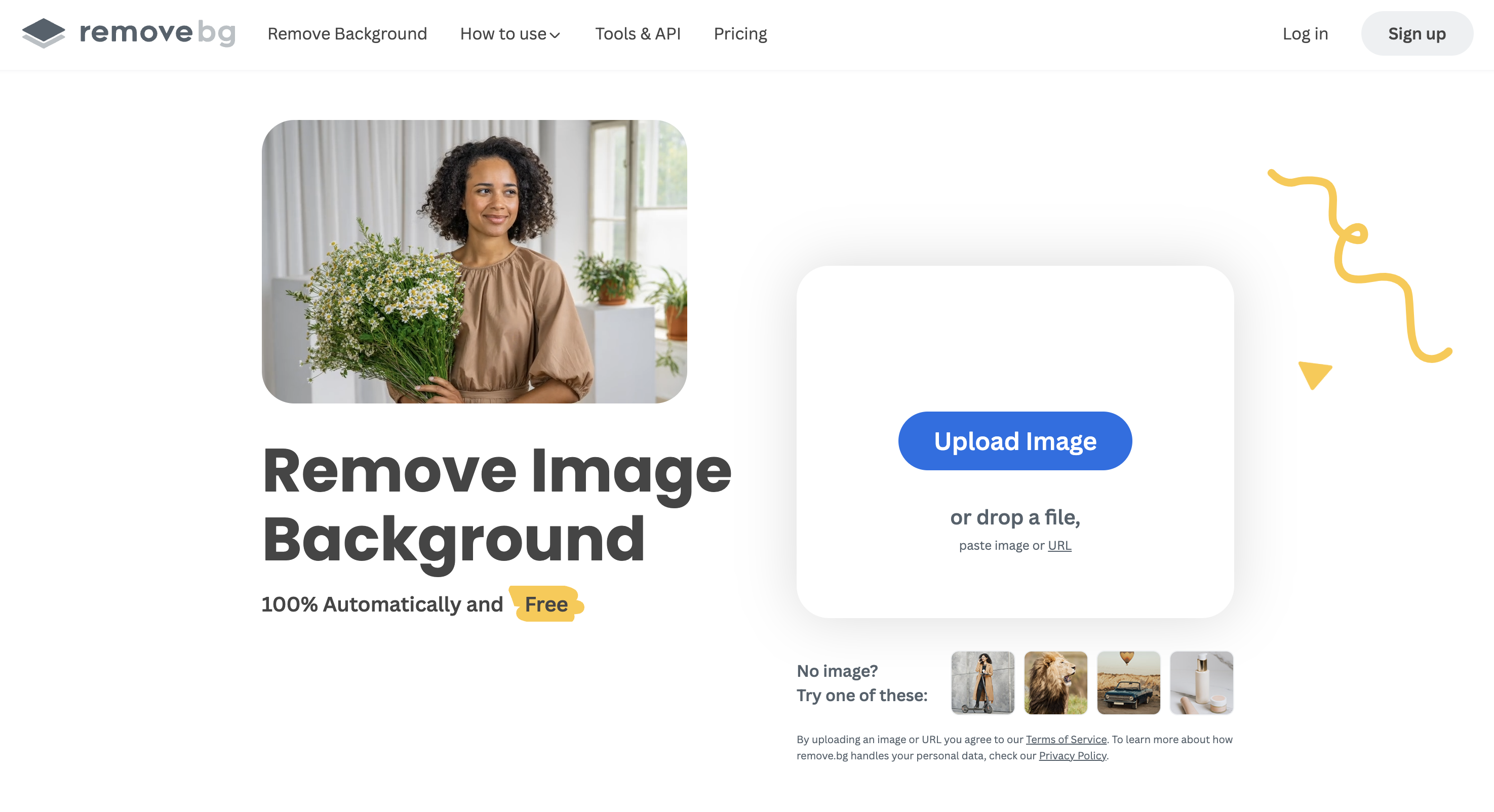
Remove.bg automatically removes backgrounds from images with astounding accuracy, using sophisticated AI algorithms. A godsend for tasks that were previously tedious and time-consuming.
Pros
- •Incredibly fast and accurate background removal
- •Handles complex images well
- •Saves a massive amount of time over manual editing
Cons
- •Very focused function (only background removal)
- •Occasional minor artifacts may require touch-up
Best For
Designers needing to isolate elements, create product shots, or do photo compositing.
ScreenApp - AI design workflow partner
Records screen activity and suggests design improvements, alternative layouts, and new features based on your actions
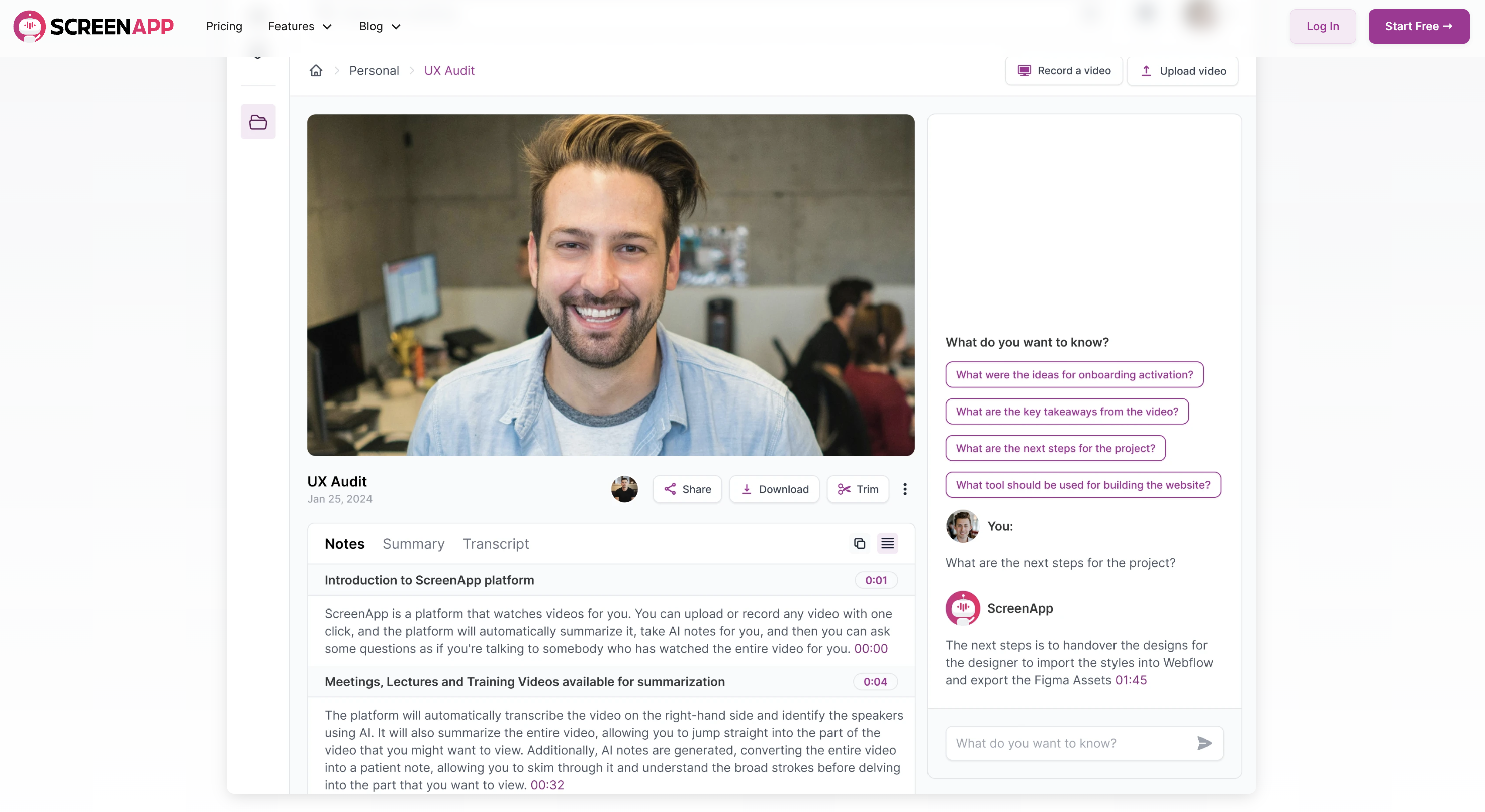
ScreenApp is an AI-powered tool that records your screen activity and intelligently suggests design improvements, alternative layouts, and potential new features based on your actions and design process. It goes beyond passive recording by analyzing how you work and offering actionable feedback.
Pros
- •Time-saving automation for ideation and optimization
- •Real-time feedback based on actual usage patterns
- •Promotes design exploration and fresh perspectives
- •Unique approach: analyzes how you work, not just what you make
Cons
- •May require a bit of adjustment to workflow initially
- •Still under development, with new features being added
Best For
Designers seeking fresh perspectives and ways to optimize their existing design process. A truly innovative tool with the potential to transform design workflows. The way ScreenApp analyzes usage data to provide suggestions is unique.
Let's Enhance - Upscale and improve image resolution
Rescues low-resolution images and enhances detail without losing quality
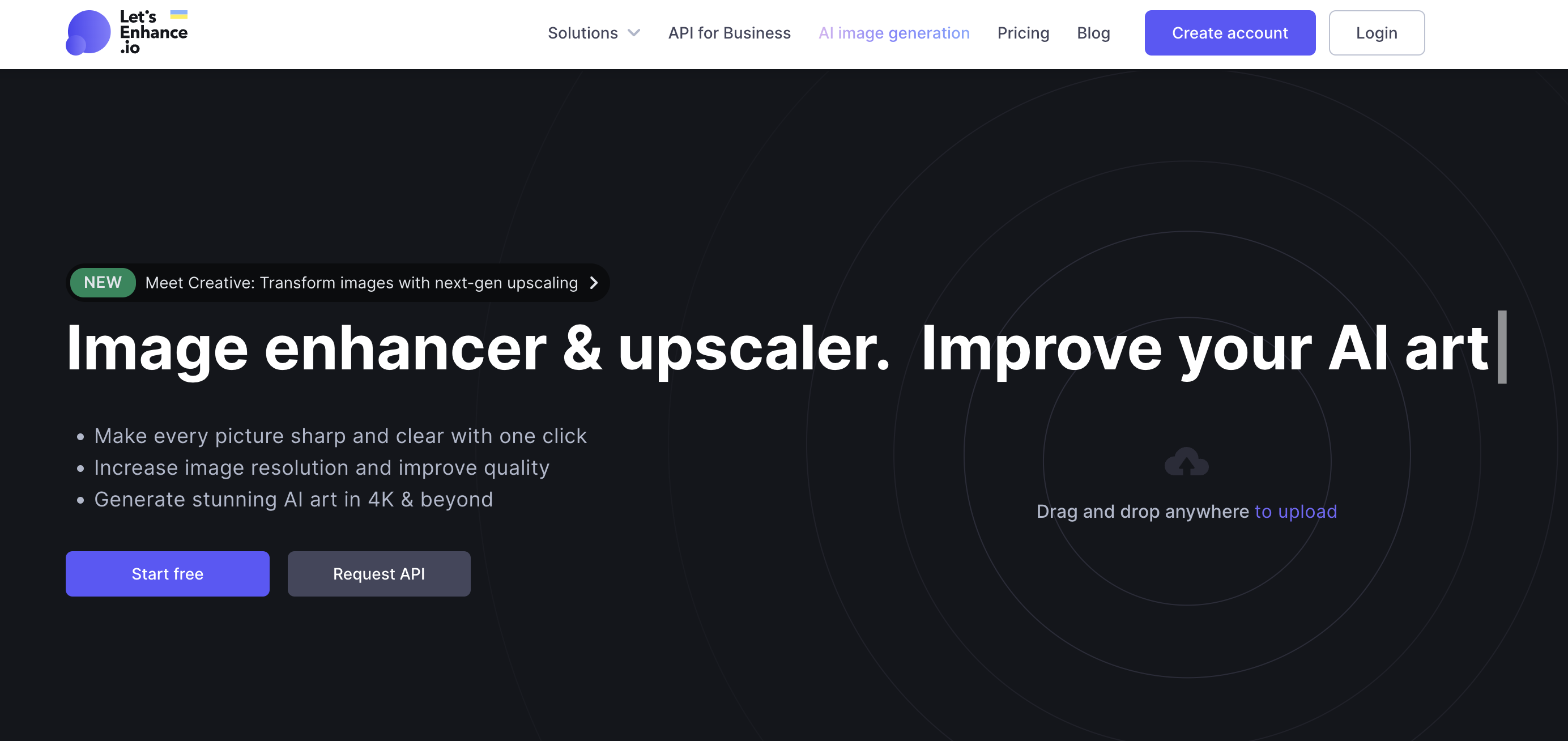
Let's Enhance uses AI to upscale and improve image resolution without losing quality. It can also refine details and reduce noise. A valuable tool for breathing new life into less-than-ideal images.
Pros
- •Rescues low-resolution images
- •Enhances detail and sharpness
- •Easy to use with various enhancement options
Cons
- •Can sometimes introduce artifacts
- •Best results require a starting image of decent quality
Best For
Designers working with found imagery or needing to enlarge older visuals.
Artbreeder - AI blend and modify images
Uses GANs to create realistic portraits, landscapes, characters, and concept art
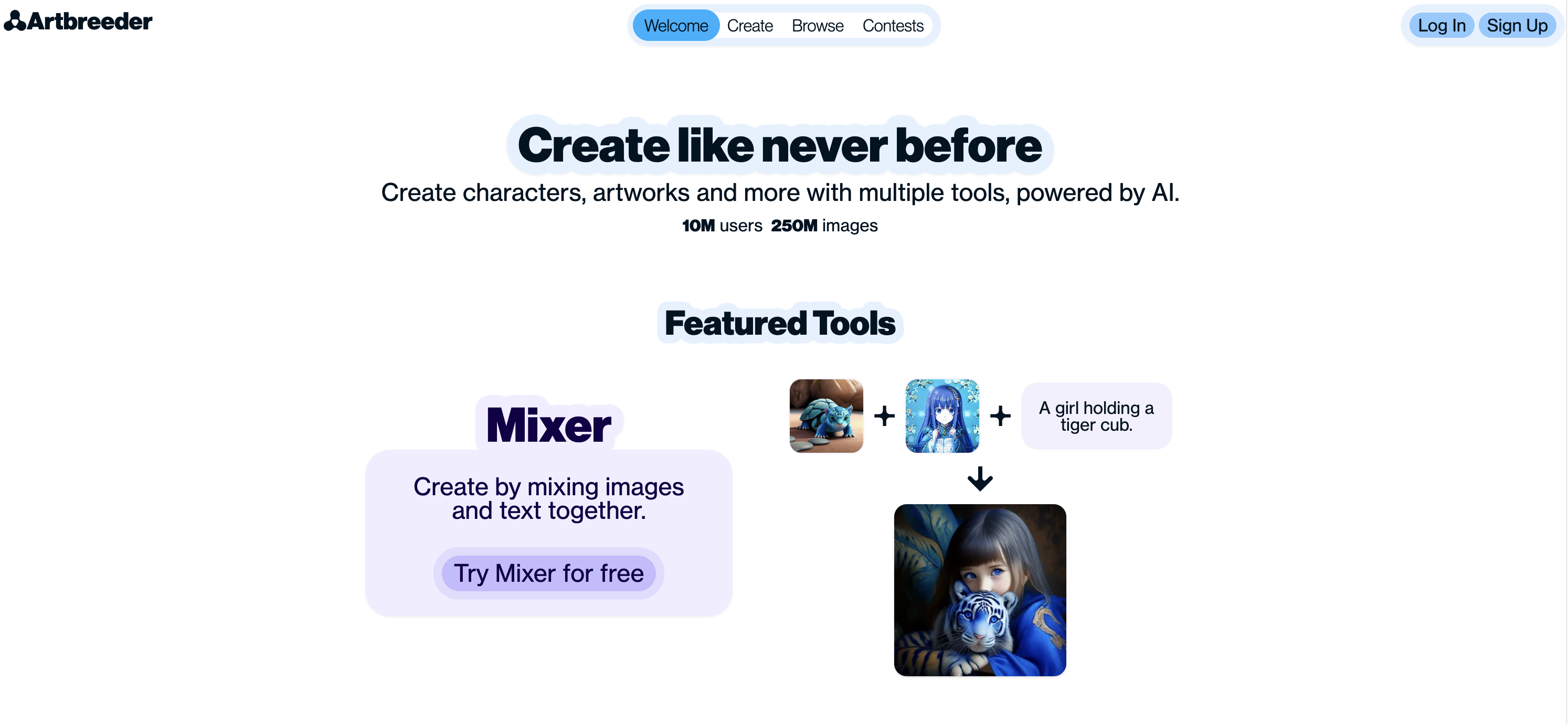
Artbreeder uses AI techniques (like GANs) to blend and modify images. Used to create realistic portraits, landscapes, characters, and more. A mind-bendingly creative tool with tons of potential.
Pros
- •Generate unique, never-before-seen visuals
- •Highly customizable with granular controls
- •Great for concept art and character design
Cons
- •Can require some experimentation for best results
- •Output may need refinement in other image editing tools
Best For
Concept artists, illustrators, and designers wanting truly original imagery.
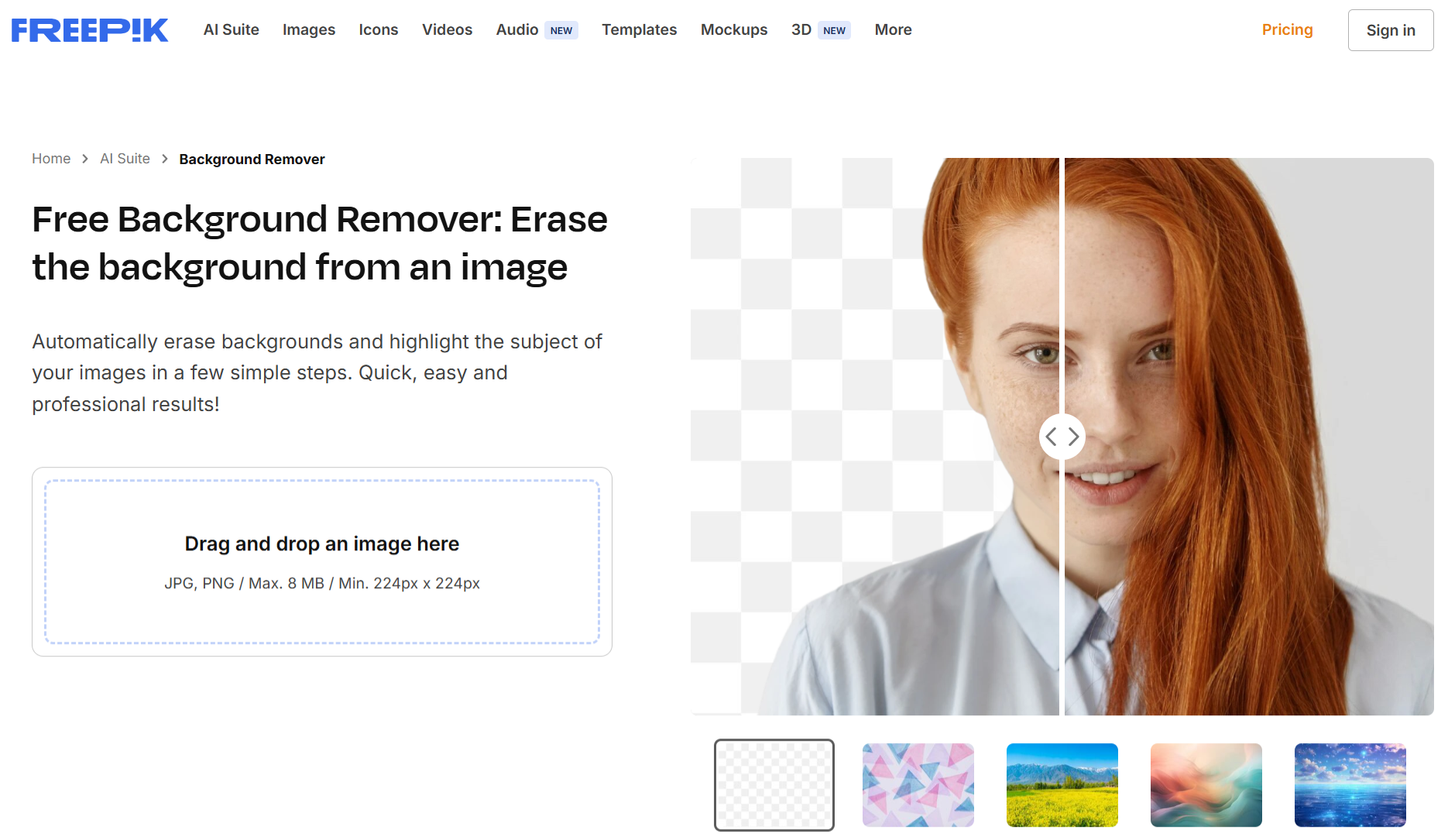
Freepik AI Background Remover
Instantly removes or replaces backgrounds from images with one click
Freepik AI Background Remover instantly removes or replaces backgrounds from images with just one click. A reliable, no-fuss tool that gets the job done in seconds - perfect for everyday design needs.
Pros
- •Fast and accurate background removal
- •Background replacer with a simple prompt
- •Great for product shots, profile pics, and social posts
Cons
- •Limited manual adjustment options
- •Works best with high-contrast subjects
Best For
E-commerce sellers, content creators, and social media managers looking to clean up visuals quickly.
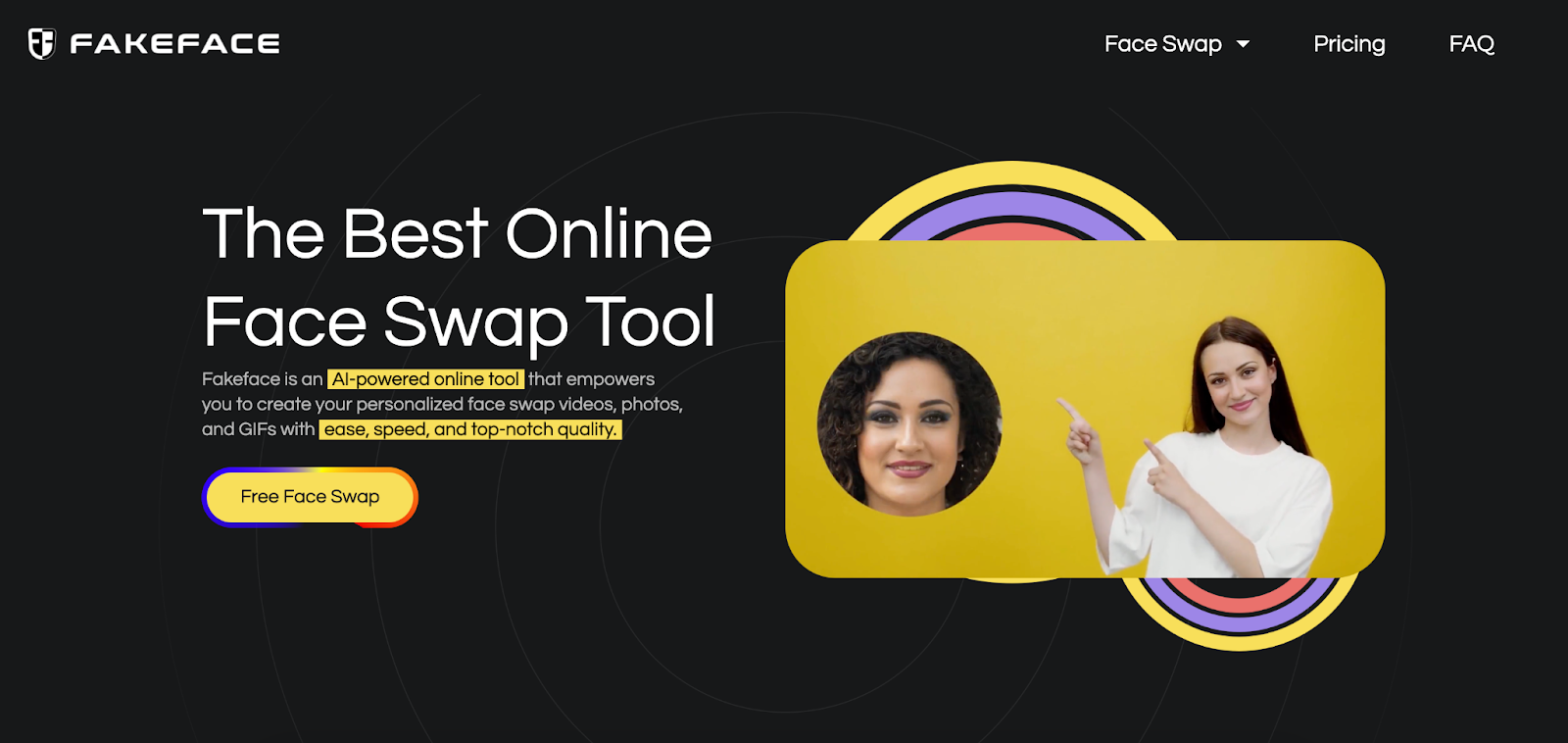
Fakeface - AI face swap in videos and images
Seamlessly swap faces in videos, images, and GIFs with AI
Fakeface video Face Swap is an AI-powered tool that allows users to seamlessly swap faces in videos, images, and GIFs. It leverages advanced AI algorithms to create realistic and high-quality face swaps in seconds, making it a powerful asset for designers, content creators, and video editors. A fun, fast, and powerful AI tool that makes face swapping in videos easy.
Pros
- •Effortless face swapping with AI automation
- •Works with videos, images, and GIFs for versatile use
- •No software required, entirely web-based
Cons
- •May require Pro features for high-resolution processing
- •AI-generated results may need manual adjustments for perfection
Best For
Designers, video editors, and content creators looking to integrate realistic AI face swaps into their projects quickly and efficiently.
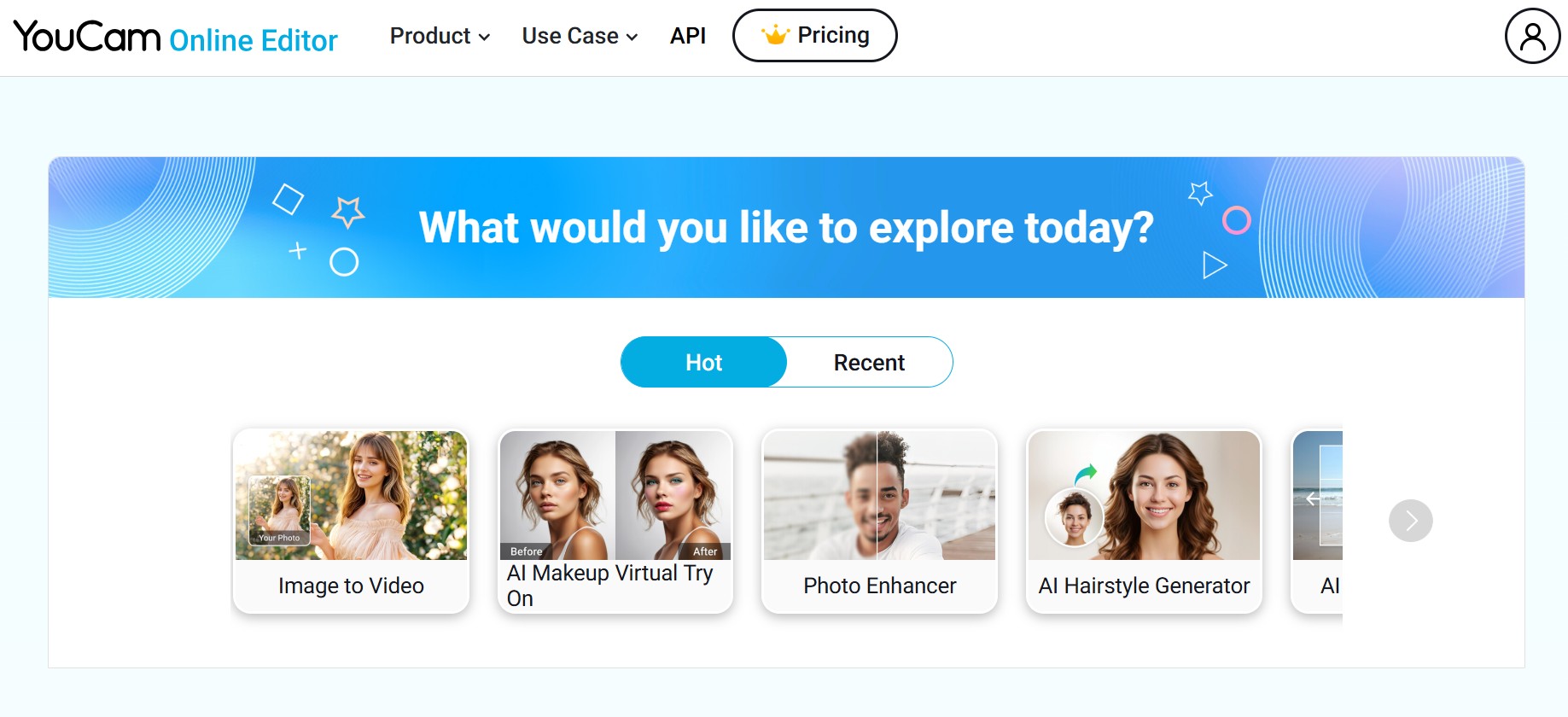
YouCam Online Editor - Browser-based AI photo editing
AI enhance, color correction, object removal, background replacement - no install
YouCam Online Editor is a browser-based AI photo editing tool that empowers designers and content creators to enhance images with precision and creativity. With features like AI enhance, color correction, image extender, and more, it's an all-in-one editor that's user-friendly and requires no software installation. Its strength lies in fast, high-quality edits for concept work.
Pros
- •Clean, easy-to-use layout ideal for quick edits and enhancements
- •Fully browser-based, saving time and device storage
- •Smart object removal, background replacement, and image generation powered by advanced AI
Cons
- •May lack the depth of professional tools like Photoshop for complex design tasks
- •Must be online to access the full functionality
Best For
Individual designers and social media content creators who need a lightweight design tool with AI assistance. An excellent complement for designers looking to streamline visual edits or generate polished mockups without heavy software.
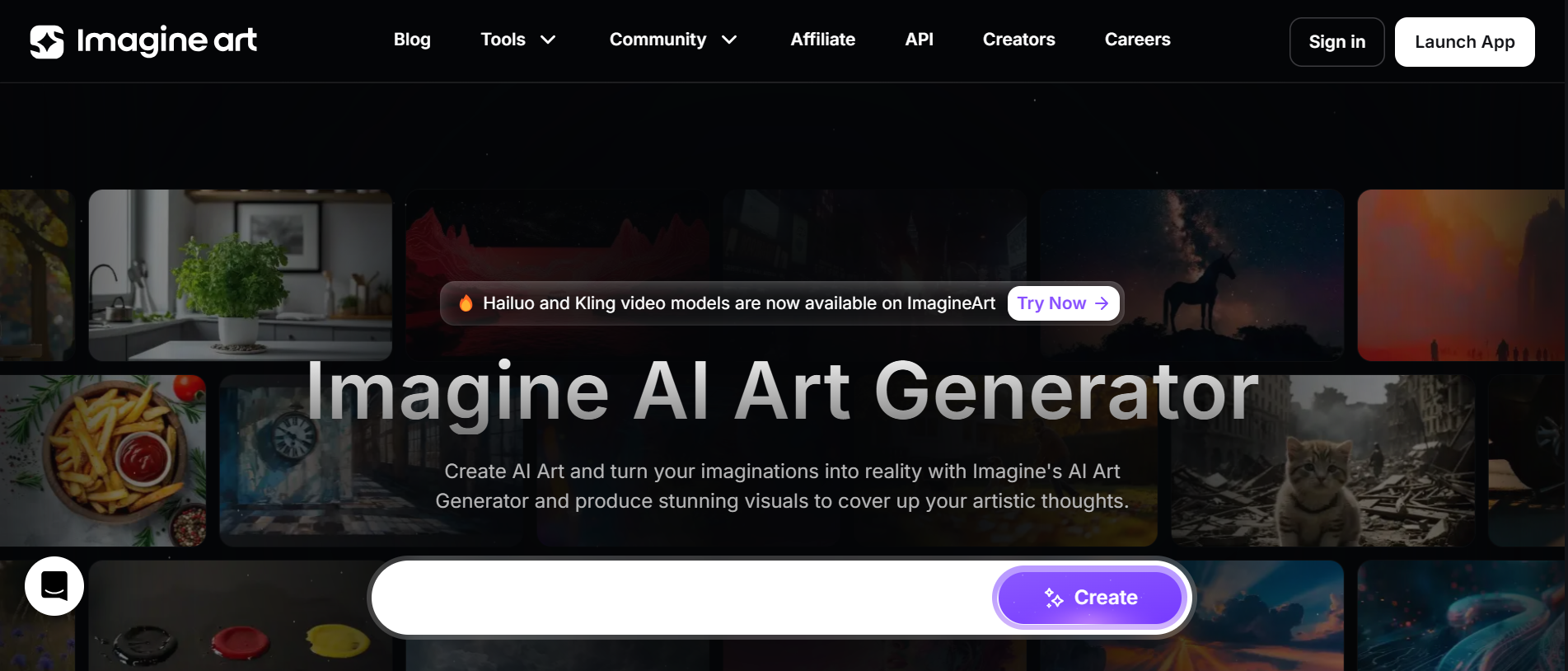
ImagineArt - Text-to-image AI generator
Transforms text prompts into stunning AI-generated images
ImagineArt AI Image Generator quickly transforms text prompts into stunning AI-generated images. A powerful tool for effortlessly turning creative ideas into impressive digital art. User-friendly, no design skills needed. Ideal for artists, marketers, and content creators.
Pros
- •Generates high-quality images instantly
- •User-friendly, no design skills needed
- •Ideal for artists, marketers, and content creators
Cons
- •Limited fine-tuned control over details
- •Works best with clear, descriptive prompts
Best For
Artists, designers, and anyone seeking quick AI-powered visual inspiration.
Designs.ai - AI logos, videos, mockups, graphics
Platform with AI tools for creating logos, videos, mockups, and social media graphics
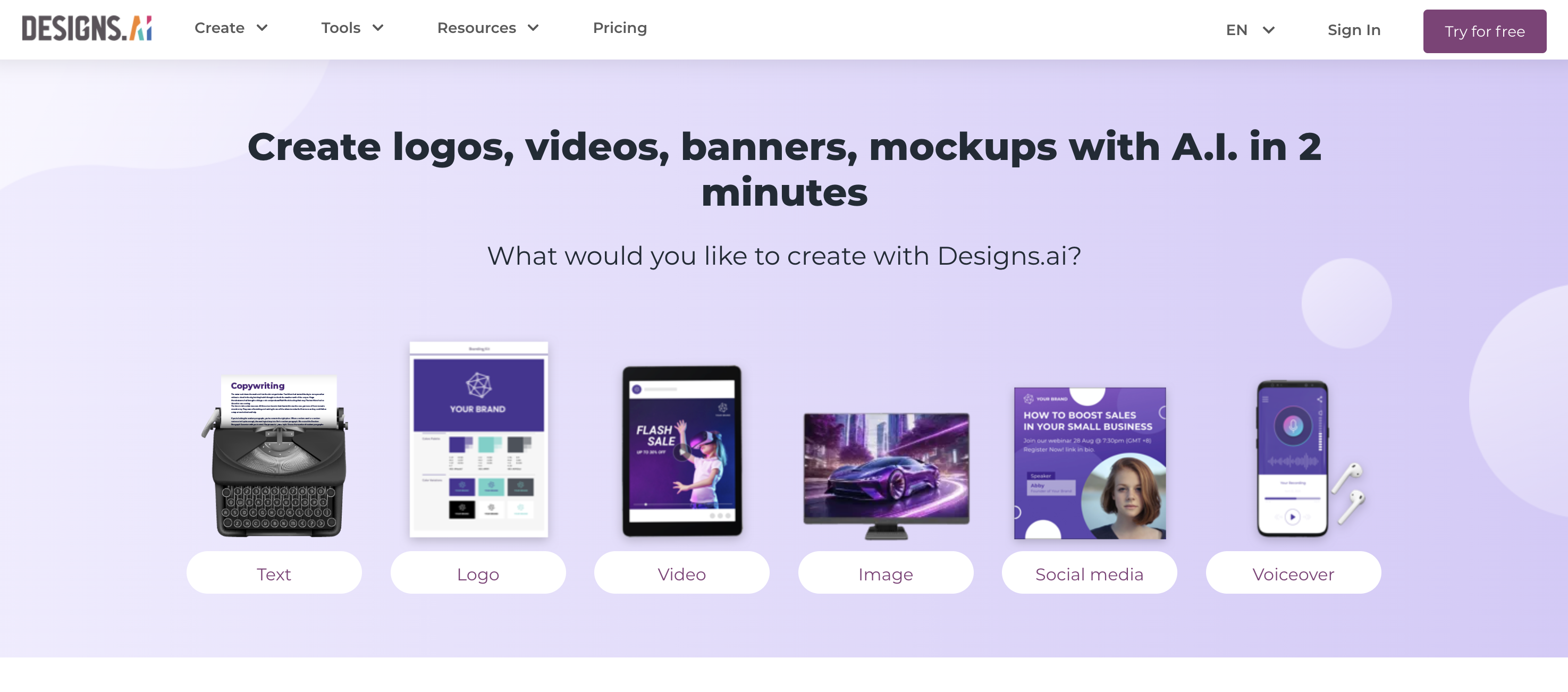
Designs.ai is a comprehensive platform with AI-powered tools for creating logos, videos, mockups, and social media graphics. Wide range of solutions, easy to use, great for non-designers. Customization options can be somewhat limited; may lack the finesse of tools for professional designers. A convenient way to generate visuals without deep design knowledge.
Pros
- •Wide range of design solutions in one place
- •Easy to use with a focus on quick results
- •Great for non-designers needing visual content
Cons
- •Customization options can be somewhat limited
- •May lack the finesse of professional design tools
Best For
Marketers, content creators, and those needing fast, all-in-one design assets.
Kittl - AI logos,Typography, Branding
AI-powered graphic design for logos, typography, branding assets, and merchandise
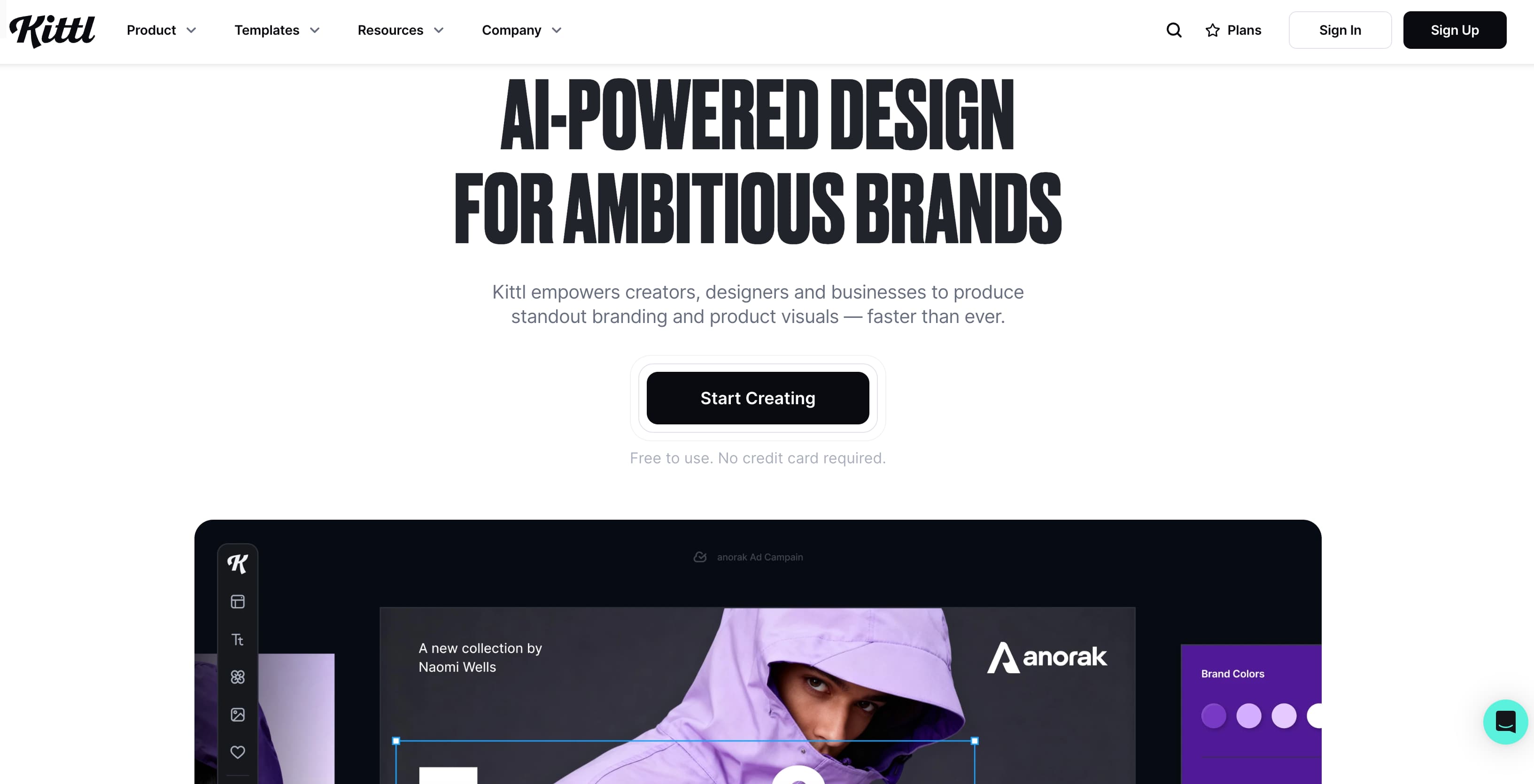
Kittl is an AI-powered graphic design platform that helps designers create logos, typography, branding assets, and merchandise designs with speed and precision. Its built-in AI tools streamline ideation, layout creation, and typography styling, making it easier to produce high-quality visuals without deep design expertise. Kittl stands out as a powerful yet beginner-friendly AI design tool. Its strength lies in typography, logo design, and template-driven workflows.
Pros
- •AI logo generator for fast brand identity creation
- •Smart typography and layout tools for professional-looking designs
- •Huge library of templates, fonts, and illustrations
- •Easy-to-use drag-and-drop editor; supports print and digital
Cons
- •Advanced features are locked behind paid plans
- •Limited offline access since it's cloud-based
- •Not ideal for complex photo editing tasks
Best For
Designers, marketers, content creators, and entrepreneurs who want a fast, AI-assisted way to create logos, branding materials, and visual content. Great choice for designers who want speed without sacrificing visual quality.
Deep Dream Generator - Psychedelic neural filters
Applies psychedelic and surreal filters to images using neural networks
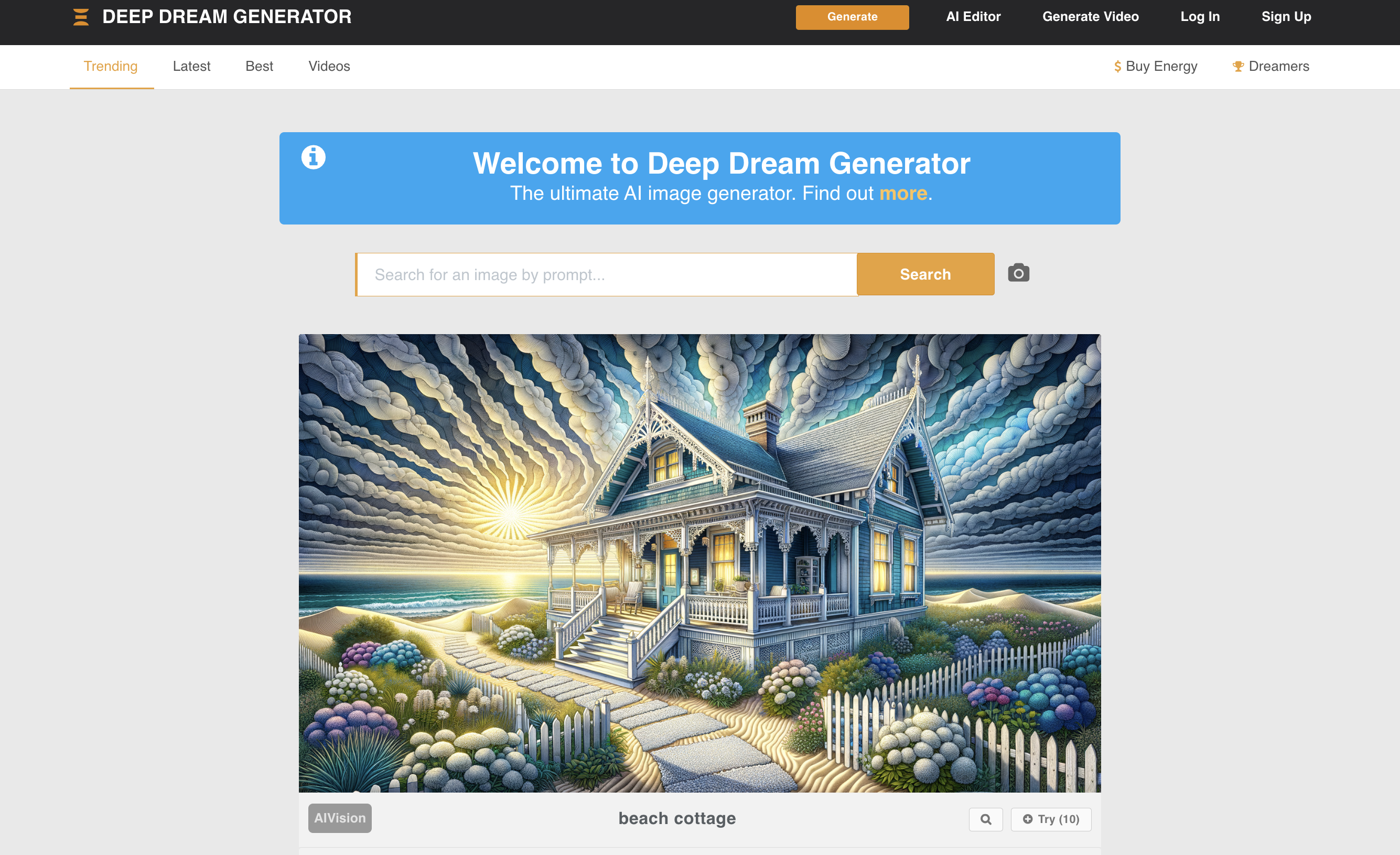
Deep Dream Generator applies psychedelic and often surreal filters to images using neural networks, creating unique and artistic results. More of an artistic tool than a workhorse design aid, but its potential for inspiration shouldn't be dismissed. Produces visually striking and unexpected outcomes; fun to experiment with and can spark creative ideas.
Pros
- •Produce visually striking and unexpected outcomes
- •Fun to experiment with
- •Can spark creative ideas
Cons
- •Limited practical design applications
- •Results can be unpredictable
Best For
Artists and designers wanting a touch of the strange and experimental.
Adobe Sensei - AI across Creative Cloud
AI engine embedded across the Adobe Creative Cloud suite
Adobe Sensei is the AI engine embedded across the Adobe Creative Cloud suite. It offers intelligent content-aware fill, automatic image tagging, and smart object selection. Time-saving in familiar tools, constantly evolving, and seamless for designers already in the Adobe ecosystem.
Pros
- •Time-saving in familiar tools
- •Constantly evolving with new AI features
- •Seamless for Adobe users
Cons
- •Requires Adobe subscription
- •Best features in higher tiers
Best For
Designers already working within the Adobe ecosystem.
This Person Does Not Exist - AI portrait placeholders
Hyper-realistic, AI-generated portraits of people who do not exist
This Person Does Not Exist generates hyper-realistic, AI-created portraits of people who do not actually exist. Useful for mockups, placeholders, and UI concepts. Fast and easy to use. Responsible use matters when using AI-generated faces.
Pros
- •Unique faces for mockups and placeholders
- •Fast and easy to use
- •No account required for basic use
Cons
- •Limited customization
- •Ethical considerations for responsible use
Best For
Designers needing placeholder portraits or exploring AI image generation. Responsible use matters.
Frequently Asked Questions
It depends on your workflow. ScreenApp is best for fresh perspectives and design optimization via screen recording and AI analysis. For color palettes, Khroma excels. For wireframes from sketches, Uizard. For background removal, Remove.bg or Freepik AI. For all-in-one Adobe users, Adobe Sensei.
Many offer free tiers: ScreenApp, Khroma, Uizard, Remove.bg, Let's Enhance, Freepik AI, Fakeface, YouCam Online, ImagineArt, and This Person Does Not Exist. Adobe Sensei and some others require paid subscriptions. Check each tool for limits on free usage.
Match the tool to the task: color and palettes (Khroma), wireframes (Uizard), background removal (Remove.bg, Freepik AI), image upscaling (Let's Enhance), concept art (Artbreeder), logos and branding (Kittl, Designs.ai), or workflow feedback (ScreenApp). If you already use Adobe, Sensei is built in.
No. AI tools automate repetitive tasks, suggest options, and speed up iteration. They amplify creativity and free you to focus on concept, hierarchy, and brand. The best results come from designers who use AI as a partner, not a replacement.
Kittl and Designs.ai are strong for logos and branding. Kittl offers AI logo generation, typography, and templates. Designs.ai covers logos, mockups, and graphics in one platform. Both suit marketers and designers who need fast, professional-looking assets.
Conclusion
The world of AI-powered design tools is a treasure trove for designers. From automating tedious tasks to sparking entirely new creative directions, these intelligent assistants have the power to revolutionize your workflow. AI can streamline your processes, uncover overlooked possibilities, and free you up to focus on what truly matters: expressing your unique vision with precision and impact.
By embracing AI tools, you’re not replacing your creativity – you’re amplifying it. This is a chance to work faster, smarter, and push your creative boundaries further than ever before. Don’t be afraid to experiment with the tools we explored today. See how they fit into your process, and discover the exciting ways AI can augment your design superpowers!
Quick recommendations
Fresh perspectives and optimization
ScreenApp – Records screen activity and suggests design improvements
Color and wireframes
Khroma for palettes, Uizard for sketches to wireframes
Assets and polish
Remove.bg or Freepik AI for backgrounds, Let's Enhance for upscaling, Kittl for logos and branding
Choose based on your daily tasks and existing stack. Adobe users get the most from Sensei; everyone else can mix and match from the list above.
Related guides
- Best free AI video generators – Create and edit video with AI
- Best AI video watcher – Tools that analyze and summarize video
- Record lectures and convert to text – Capture and transcribe learning content
- Video Analyzer – ScreenApp feature for design and content analysis
- YouTube to MP3 – Extract audio from videos for reference or inspiration