Stay ahead of the curve! Learn how AI supercharges your coding powers. This guide reveals the essential AI tools for developers who want to innovate and dominate the tech scene. For comprehensive coding guidance, also explore our best AI tool for coding review and best AI interview assistants for career advancement.
Related developer and productivity tools: For recording and transcribing meetings or lectures, see record lectures and convert to text. For AI that watches and summarizes video, check out our best AI video watcher guide. For video workflows, we compare best free AI video generators and best free video conferencing apps.
Introduction
Artificial intelligence (AI) is rapidly transforming the world around us, and the software development industry is no exception. AI is infusing itself into the very fabric of how we build applications, promising unparalleled improvements. From intelligent code suggestions to automated testing, AI-powered tools streamline repetitive tasks, identify flaws with exceptional accuracy, and unveil opportunities for breakthrough innovation.
If you’re a developer, embracing the power of AI isn’t just beneficial - it’s essential. Get ready to sharpen your skills, skyrocket your efficiency, and navigate the cutting edge of technology. This comprehensive guide to AI development tools will unlock the potential of AI in your workflow, propelling you ahead in the dynamic tech landscape.
Summary Table: Top AI Tools for Developers
| Name | Best for | Pros | Cons | Rating |
|---|---|---|---|---|
| GitHub Copilot | Coding assistance | Accelerates coding, Reduces errors | Depends on training data quality | ★★★★½ |
| Tabnine | AI code completions | Boosts coding speed, Integrates with IDEs | Varies by coding language | ★★★★ |
| ScreenApp | Comprehensive notetaking and analysis | Streamlined communication, Enhanced meeting efficiency | Limited to screen recordings | ★★★★★ |
| Amazon CodeWhisperer | Security and code optimization | Enhances code quality, Identifies vulnerabilities | Possible false positives | ★★★★ |
| DeepCode | Code logic analysis | Uncovers complex bugs, Improves maintainability | Deep analysis required | ★★★½ |
| Diffblue Cover | Unit testing automation | Saves time on test writing, Increases coverage | Java-focused | ★★★½ |
| Mabl | End-to-end UI testing | Low-code, AI insights, Self-healing tests | May require initial setup | ★★★½ |
| ClickUp (AI Features) | Project management | Automates tasks, Predicts workloads | AI features still expanding | ★★★ |
| Forecast | AI project planning | Optimizes workflows, Forecasts profitability | Learning curve for new users | ★★★ |
| ChatGPT | Coding assistance and learning | Generates code, Explains concepts | Accuracy varies with prompts | ★★★ |
Top 12 AI Tools for Developers - Detailed Reviews
GitHub Copilot
Coding assistance
Description: An AI pair programmer trained on vast amounts of open-source code, Copilot analyzes your context and delivers real-time suggestions for lines of code and even entire functions.
Benefits: Dramatically accelerates coding speed; minimizes potential for errors and typos; provides an educational "training ground," especially for those new to a language.
Languages Supported: A broad range including Python, JavaScript, TypeScript, Ruby, Go, and many more.
Use Case: A backend developer needs to implement a password reset function. Copilot generates a suitable code block, saving time researching syntax and structure. Enhance your development toolkit with C# .NET Reporting Tools, allowing you to design custom reports in real-time and code with accuracy. These tools provide app and web developers the ability to customize reports faster, making complex data easier to manage and visualize yet another transformation AI brings into the developer's workflow.
Tabnine
AI code completions
Description: Utilizing advanced deep learning models, Tabnine provides highly tailored code completions. It learns your patterns and project specifics, tailoring suggestions to your unique coding style.
Benefits: Increased coding speed with reduced keystrokes; fewer common errors; seamless integration with popular IDEs.
Languages Supported: Python, JavaScript, Java, C++, PHP, and others with varying coverage.
Use Case: A frontend developer begins a React component for a form. Tabnine accurately completes structural elements and suggests prop names based on previous component patterns.
Key Considerations
Personalization: Both tools improve with use, but Tabnine prioritizes adapting to your individual style.
Scope: Copilot shines for larger code chunks due to its massive training data, while Tabnine often excels at granular, project-specific completions.
ScreenApp
Comprehensive notetaking and analysis

Description: ScreenApp is a cloud-based screen recording and video sharing platform that integrates cutting-edge AI for comprehensive notetaking and analysis. Seamlessly capture meetings, presentations, and online collaborations, enabling asynchronous review and knowledge sharing.
Benefits
- •Streamlined Communication: Eliminate lengthy email threads and misinterpretations with easily shareable screen recordings. Embed videos in communication channels or generate searchable transcripts for quick reference.
- •Enhanced Meeting Efficiency: ScreenApp's AI tools transcribe meetings in real-time, distilling key takeaways, action items, and decisions. No more tedious manual notetaking, freeing attendees to actively participate.
- •Much like how AI streamlines meetings: raffles for shoes simplify access to limited-edition releases no long queues or manual efforts, just a fair and efficient chance to win. Similarly, residential proxies or puppeteer proxy streamline python web scraping and data collection processes, providing developers with efficient access to web resources without the complexity of manual IP management. Without the complexity of manual IP management, many developers now turn to reliable proxy networks offering stable IP rotation and broad global coverage.
- •Actionable Insights: ScreenApp's AI doesn't just transcribe it analyzes conversations to highlight recurring themes, sentiment, and potential follow-up actions. These insights promote a data-driven approach to decision-making.
- •Knowledge Retention: Build an invaluable organizational knowledge base with a repository of searchable recordings and transcripts. Onboard new team members quickly and allow anyone to revisit important past discussions.
Trust: SOC 2 Type II Certified
Use Case: A product manager records a demo of new software features with internal stakeholders. Afterward, ScreenApp's AI creates a summary of feedback and identifies potential areas for refinement, ensuring valuable input isn't missed during a lengthy session. For additional project management tools, explore our 10 tools every product manager needs guide.
Amazon CodeWhisperer
Security and code optimization
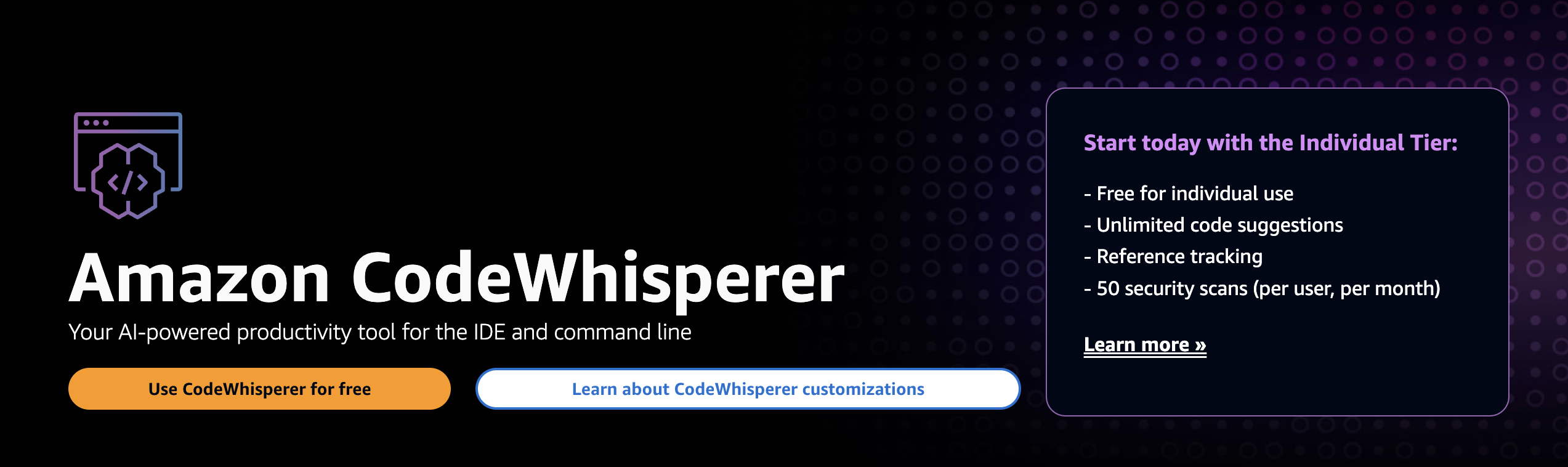
Description: Powered by machine learning, CodeWhisperer meticulously analyzes code for both functional bugs and potential security vulnerabilities. It goes beyond traditional linters, identifying logical flaws and suggesting solutions.
Benefits: Enhanced code quality and reliability; prevention of costly security breaches; optimizes code for performance, saving computing resources.
How it works: CodeWhisperer's models have been trained on massive datasets, helping it recognize patterns associated with errors, inefficiencies, and security risks.
DeepCode
Code logic analysis
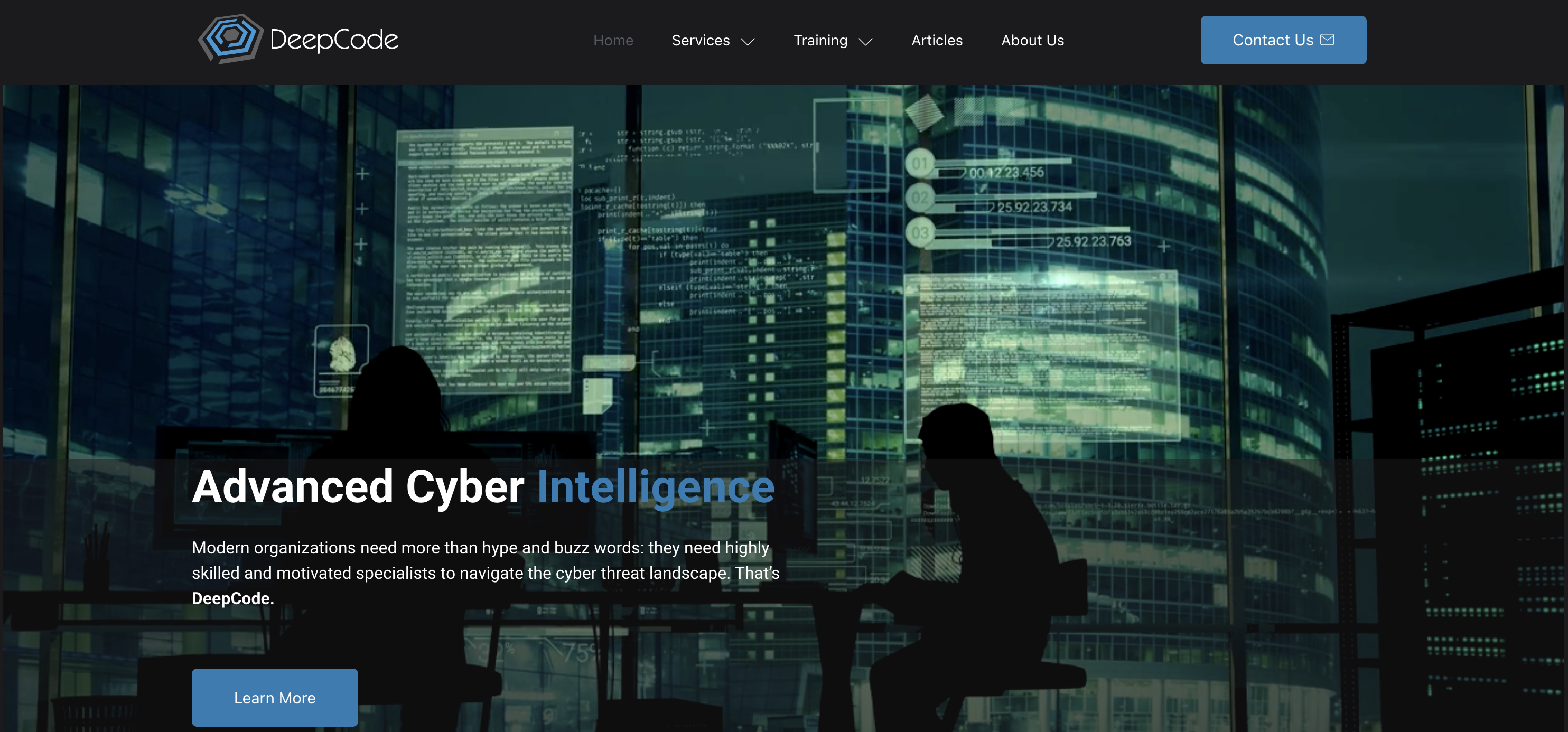
Description: Like a grammar expert for your code, DeepCode employs symbolic AI to delve into the deep logic of your programs. It uncovers issues beyond what surface-level analysis can detect.
Benefits: Pinpoints subtle, hard-to-detect bugs; suggests refactorings to improve code maintainability and readability; promotes compliance with software best practices.
How it works: DeepCode builds a knowledge graph of code, understanding relationships between components, allowing for the identification of complex logic problems. Its intelligent approach reflects some of the more advanced AI Agents use cases, where systems must analyze intricate structures and make context-aware recommendations autonomously. For developers working with complex data relationships, implementing a knowledge graph can provide similar structural insights for organizing and connecting information across applications.
Key Considerations
Scope: CodeWhisperer is a versatile option for security and overall optimization. DeepCode's strength lies in uncovering logical flaws that impact code behavior.
Integration: CodeWhisperer seamlessly integrates with popular IDEs. DeepCode is readily incorporated into your CI/CD workflow.
Diffblue Cover
Unit testing automation
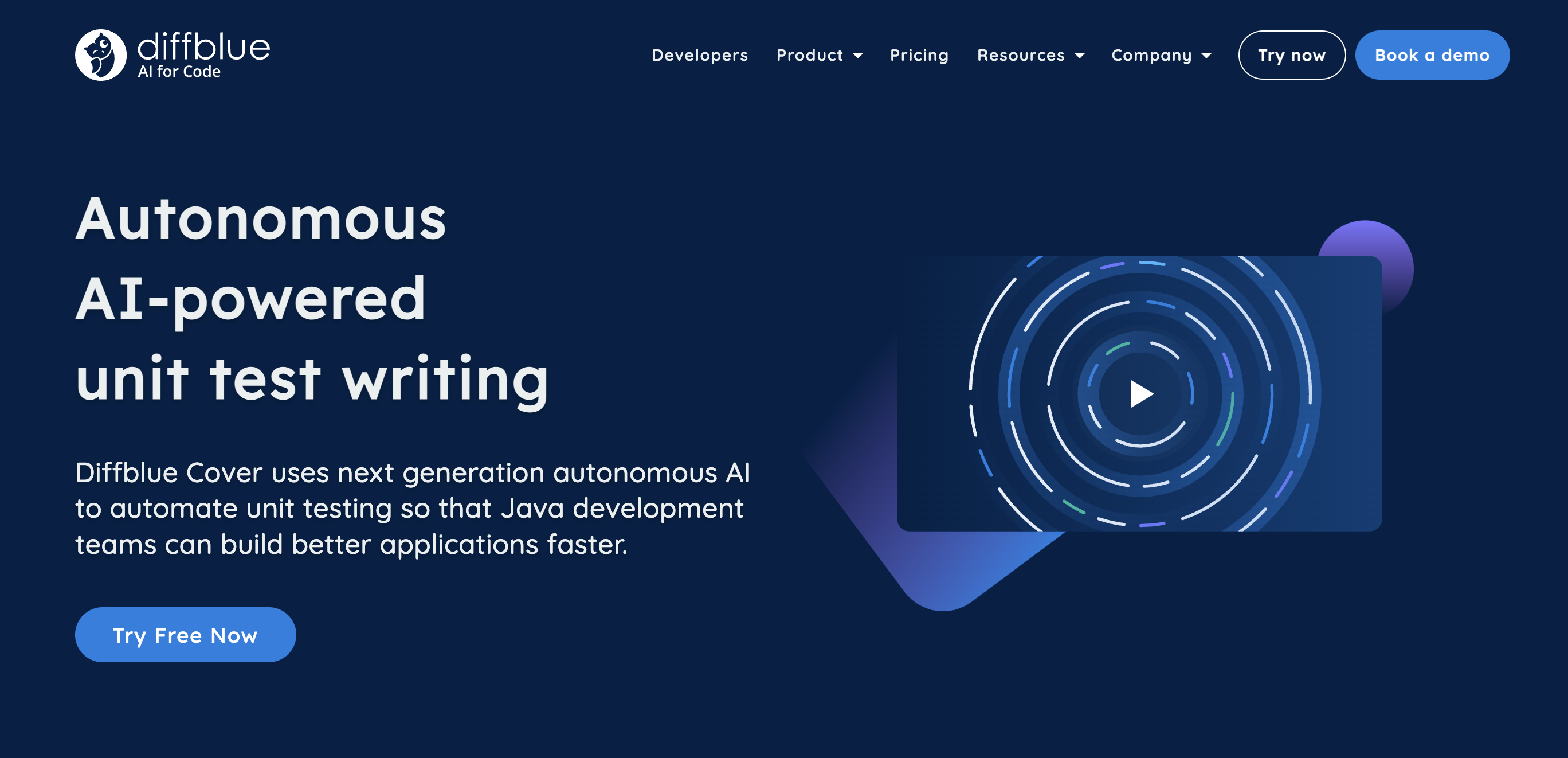
Description: Diffblue Cover excels at generating and augmenting unit tests. It automatically creates meaningful test inputs and scenarios, challenging your code in ways you might not even have considered.
Benefits: Drastic time savings in writing unit tests; detects subtle edge cases missed by manual tests; significantly increases test coverage.
Integration: Compatible with major Java and JUnit testing frameworks.
testRigor
End-to-end QA test automation
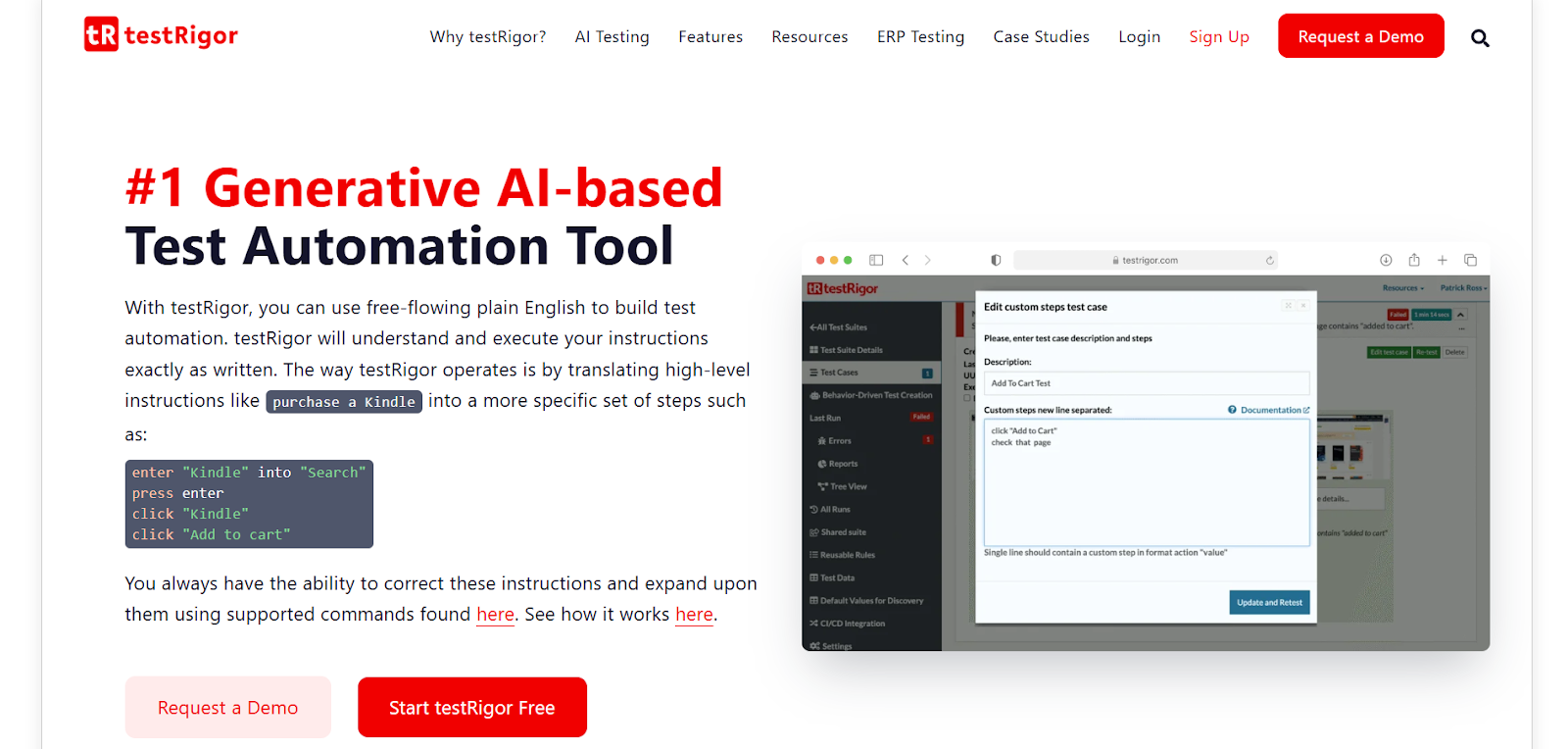
Description: testRigor is a cutting-edge QA test automation software designed to empower teams by simplifying the creation and maintenance of robust end-to-end tests. Its AI-driven approach allows even non-technical team members to write and execute comprehensive test cases in plain English, streamlining the entire QA process.
Benefits: Ease of use (plain English tests); AI-powered test maintenance; cross-platform testing (web, mobile, API); fast execution with parallel runs; scalability from startups to enterprise.
Use Case: A software company releases a new mobile app feature. Using testRigor, the QA team quickly writes and executes end-to-end tests without requiring technical skills. Integrated with AI for Terraform to optimize infrastructure automation.
Key Considerations
Ease of Adoption: Suitable for teams with varying technical expertise. Maintenance: AI-powered self-healing capabilities minimize effort to update test scripts. Scalability: Flexible for small teams and enterprise.
Mabl
End-to-end UI testing
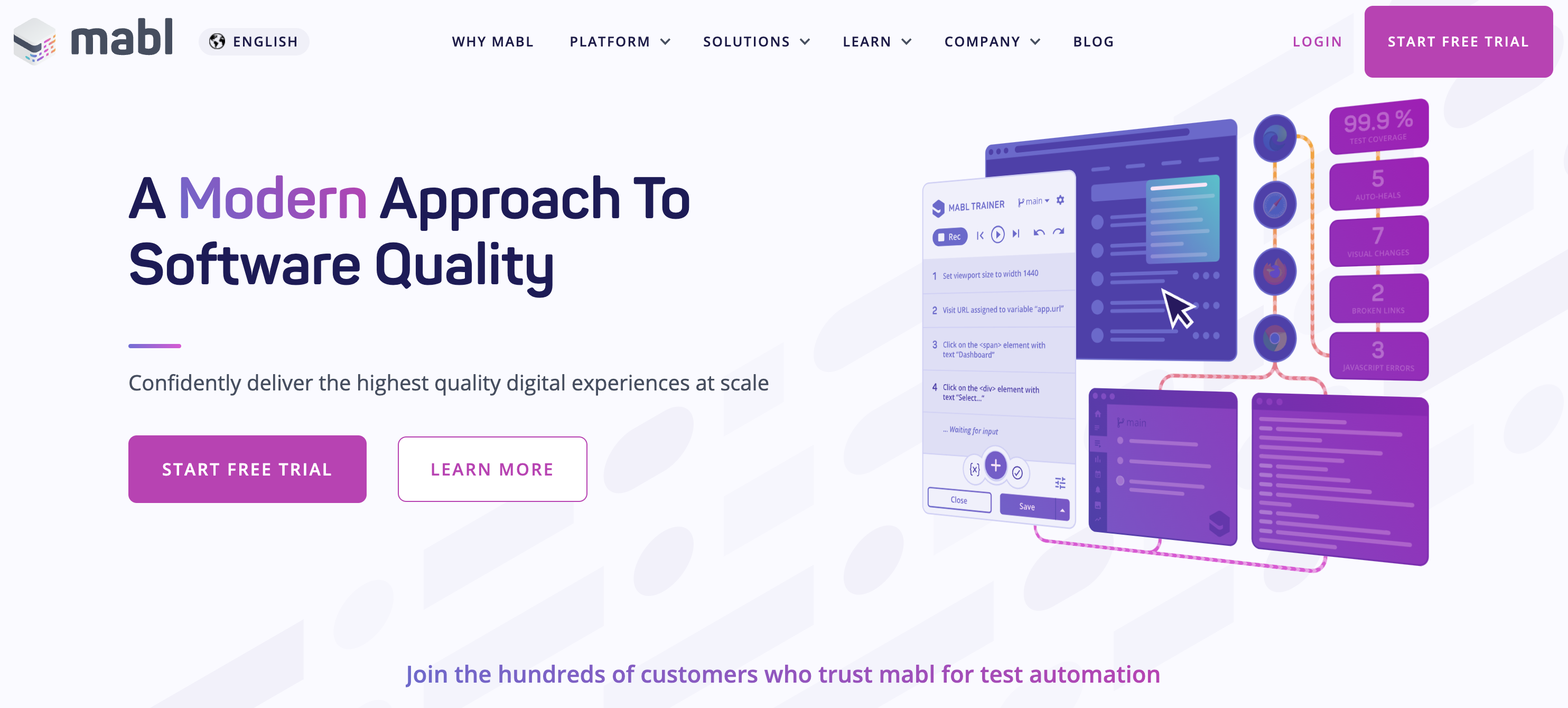
Description: Mabl leverages AI to automate end-to-end and UI testing. Its intuitive low-code interface allows you to create complex test flows, incorporating data-driven inputs and cross-browser scenarios.
Benefits: Quick test creation without extensive coding; AI-powered insights to pinpoint recurring issues; continuous testing with self-healing capabilities. Integration: GitHub, Jenkins, Selenium.
Key Considerations
Testing Focus: Diffblue Cover for unit testing; Mabl for cross-browser UI and functional testing. Technical Level: Mabl's low-code approach suits varied proficiency; Diffblue Cover is more specialized.
ClickUp (AI Features)
Project management

Description: ClickUp is a full-featured project management platform progressively rolling out sophisticated AI features. These include automated task assignments, time and workload predictions, and writing assistance.
Benefits: Saves time on mundane project admin tasks; improved resource allocation and workload balance; data-driven insights for predicting potential bottlenecks.
Use Case: ClickUp's AI suggests assigning tasks to specific team members based on their historical performance and availability, taking the guesswork out of managing a complex project.
10Web
AI WordPress website builder
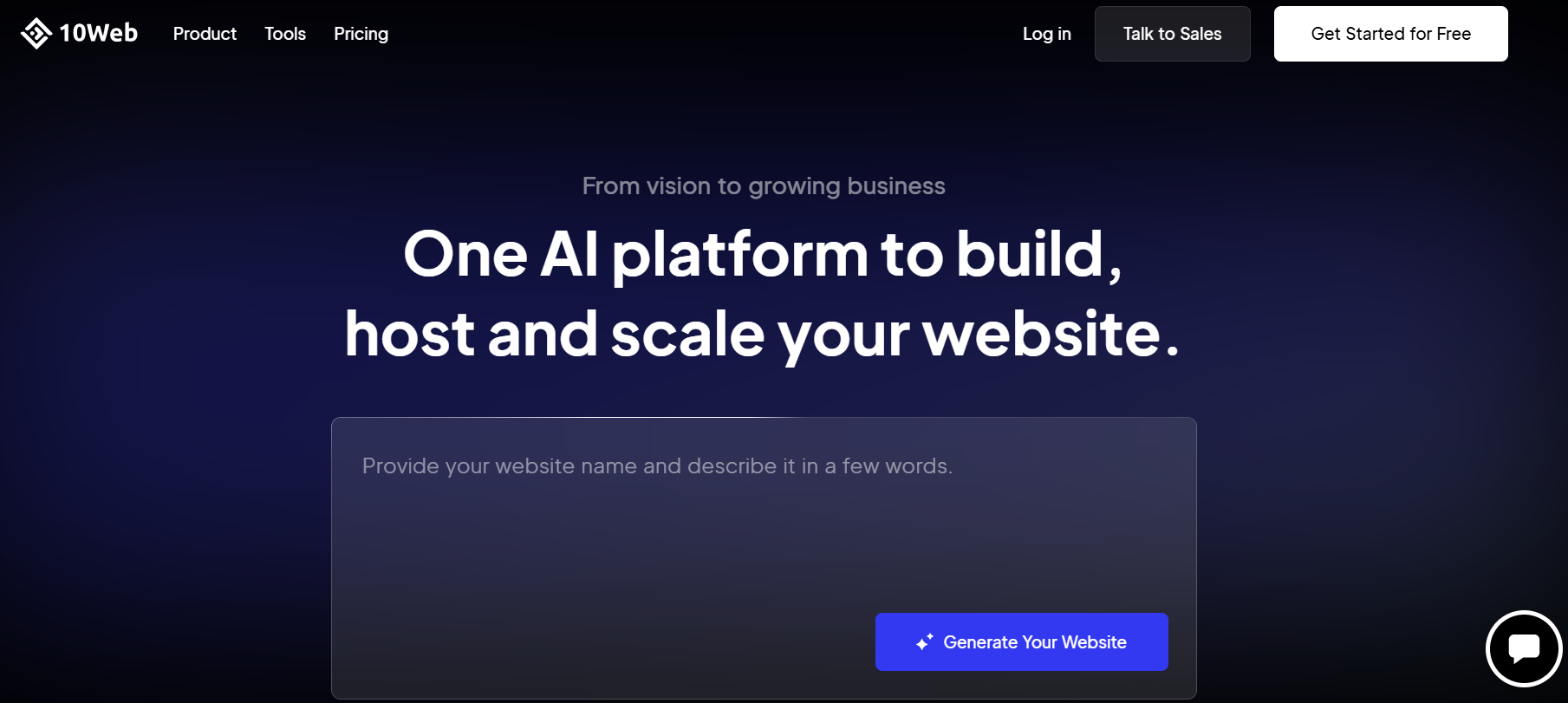
Description: 10Web is an AI-driven WordPress website builder that automates website creation, optimization, and hosting. By leveraging artificial intelligence, 10Web allows users to generate fully functional WordPress sites in minutes with minimal manual input.
Benefits: AI-powered website generation based on user prompts; drag-and-drop customization with Elementor integration; automated page speed and SEO optimization; fully managed cloud hosting with high performance.
Use Case: A small business owner wants to launch an eCommerce store quickly. Using 10Web's AI Builder, they generate a professional-looking WordPress site, customize the layout with the drag-and-drop editor, and optimize performance all within a few hours. For businesses seeking to enhance their digital products further, partnering with a UX Consulting Company can provide expert guidance on user experience design and interface optimization.
Key Considerations
Automation: AI takes care of site creation, but users can manually tweak the design for full control.
Performance: Built-in speed and SEO tools ensure websites load fast and rank well on search engines.
Forecast
AI project planning
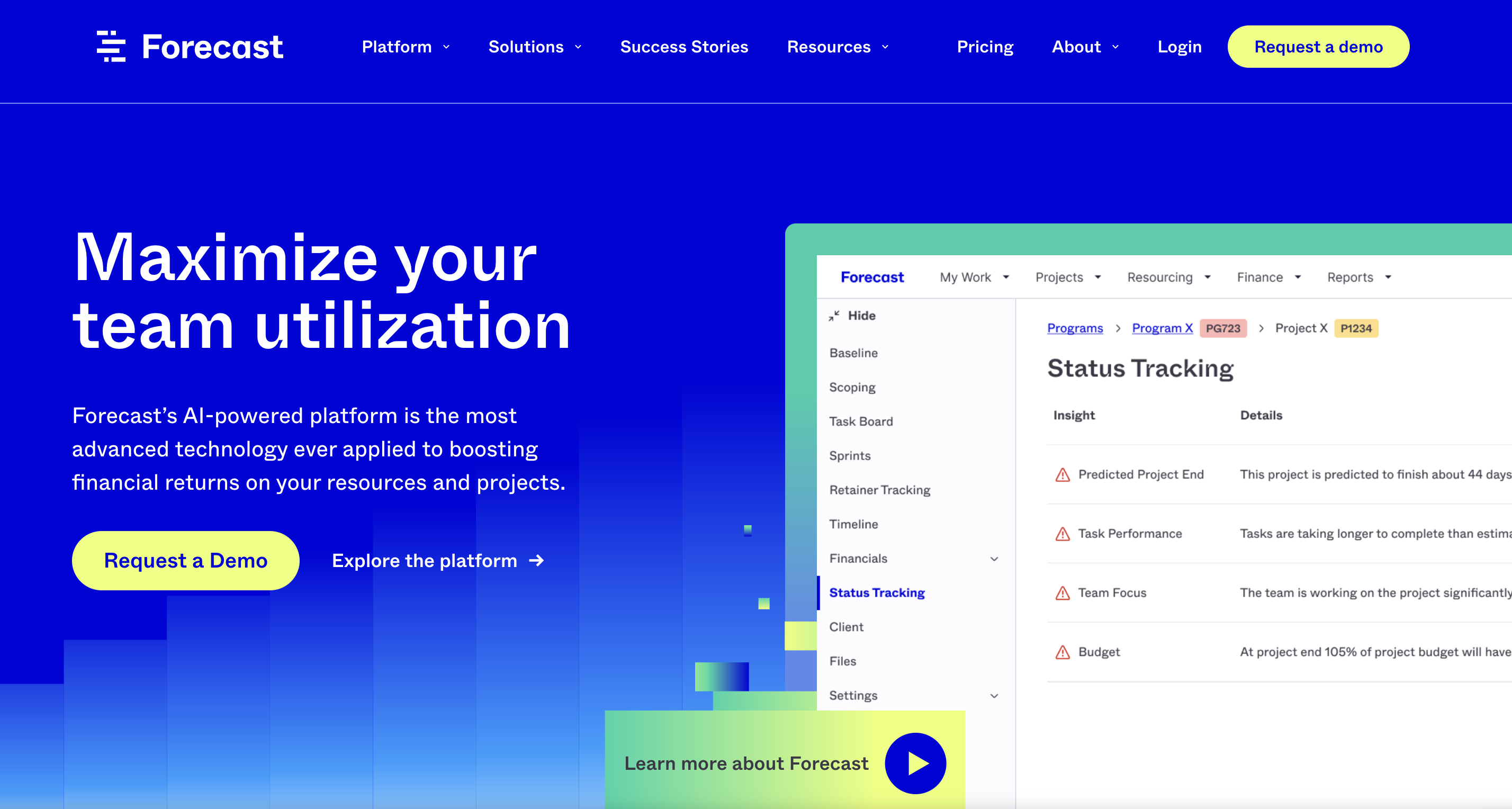
Description: Forecast is a specialized AI project management platform tailored for resource scheduling, project planning, and financial forecasting. It leans heavily on machine learning to optimize team workflows and provide actionable insights.
Benefits: Efficient project planning based on past performance data; accurate profitability projections; real-time team capacity visibility for managing shifting priorities.
Use Case: Forecast automatically creates dynamic schedules, accommodating project changes and rebalancing tasks between team members to ensure deadlines are met.
ChatGPT
Coding assistance and learning
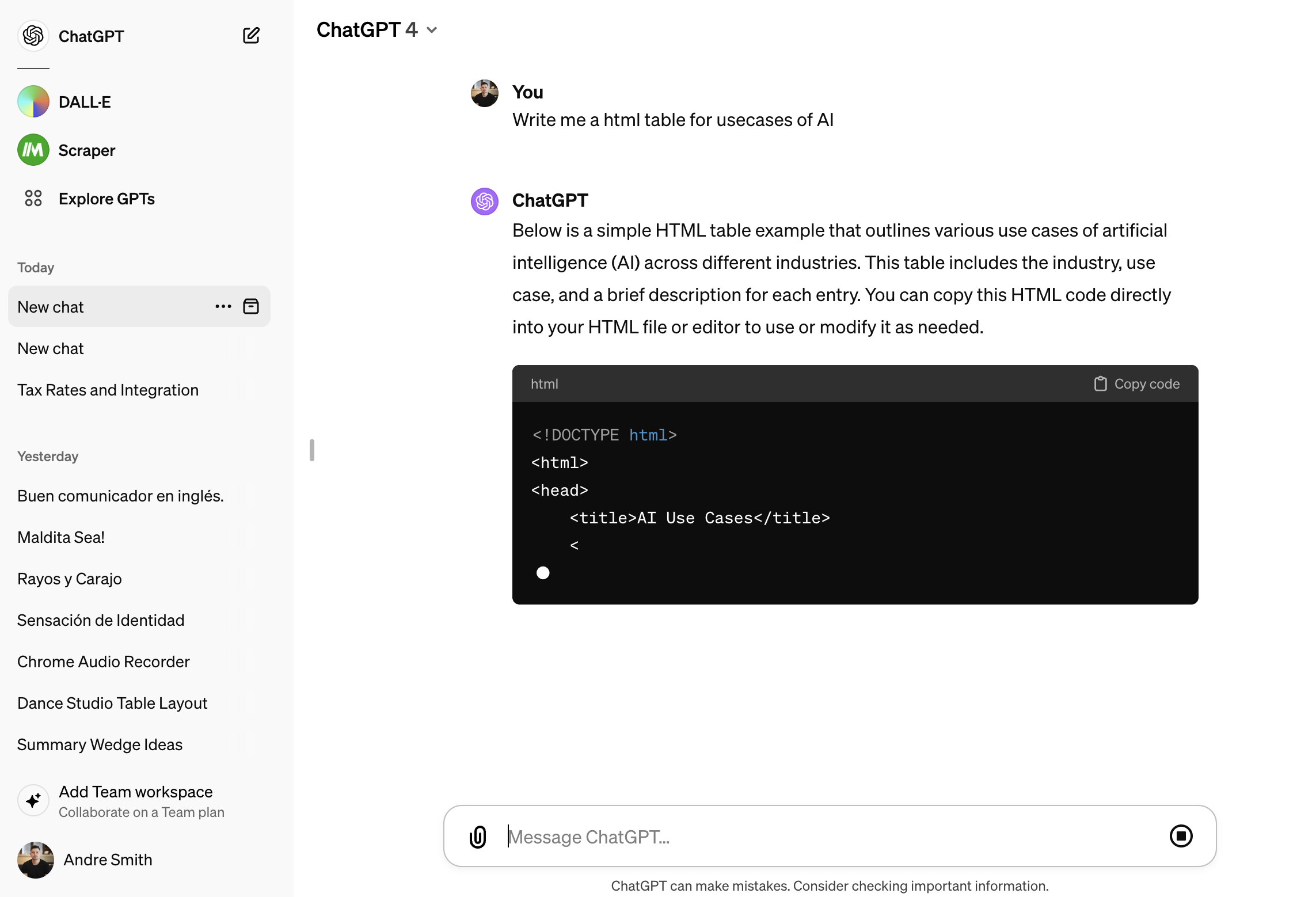
Description: ChatGPT is a powerful large language model chatbot developed by OpenAI. Trained on a massive dataset of code and text, it excels at generating human-like text, translating languages, and offering coding assistance tailored to your project.
- •Accelerated Development: Suggests code snippets, writes functions, explains complex concepts.
- •Creative Brainstorming: Bounce around code structure ideas, refactor portions, explore alternatives.
- •Debugging Assistance: Identifies potential errors, offers guidance on fixes.
- •Documentation Creation: Generate clear comments and function explanations.
Languages Supported: Python, JavaScript, C++, Java, and more.
Use Case: A developer working with an unfamiliar framework can get documentation references, examples, and boilerplate code from ChatGPT.
Key Considerations
Broad vs. Focused: ClickUp is an all-around platform with expanding AI abilities; Forecast is solely built around AI-driven project management.
Scope: ClickUp suits well-defined software development tasks; Forecast excels in more unpredictable agency-style project structures.
Note: The world of AI Project Management is rapidly changing. Keeping an eye out for advancements and newly emerging tools might uncover some fantastic hidden gems.
Section 5: Additional AI Tools to Consider
The frontiers of AI-powered development are continually expanding. Here's a glimpse of other impactful categories to watch as this space accelerates:
- •AI-powered Documentation Tools: Automatically generate clear and accurate documentation from your codebase, saving time and reducing inconsistencies. Examples include DocuWriter.ai and Scribe. AI is revolutionizing not just development workflows but also how businesses establish their identity. Tools like Atom simplify branding by providing expertly curated business names, helping custom software developers and companies working on MVP Development services integrate seamless and professional identity solutions into their projects.
- •Chatbots for Code Review and Collaboration: Virtual AI assistants facilitate knowledge sharing, automated code review, and collaborative troubleshooting. These bots may provide suggestions, answer questions about a codebase, or even offer alternative coding solutions.
- •Code Translation Tools: Tools powered by AI can help bridge the gap between different programming languages, streamlining integration of legacy code or expanding a project's potential userbase.
- •AI super agents: A new wave of tools in 2026 goes beyond simple assistance. AI super agents can plan, execute, and adapt across entire workflows. Platforms like Moxby show how these agents operate as full teammates, handling research, writing, testing, and collaboration so developers move faster with less manual effort.
Staying Ahead: The AI tool landscape is in constant flux. Be sure to explore resources like developer community forums and tech news sites to uncover groundbreaking new solutions.
Related Guides
For more developer and productivity content, see record lectures and convert to text, best AI video watcher, best free AI video generators, best free video conferencing apps, and 10 tools every product manager needs.
Conclusion
AI is fundamentally changing the way we create software. It’s more than just fancy gadgets - it’s a force multiplier for developers. By embracing AI tools, you unlock the potential to streamline tedious tasks, reduce errors with superhuman accuracy, and tap into insights that push the limits of what you can achieve.
The value of AI lies in amplifying your skills and freeing you to focus on the truly creative aspects of building software. Don’t just be a witness to this technological revolution become a driving force within it. For developers looking to build their online presence or showcase their work, partnering with a professional Havealook web design company can help create stunning portfolios and business websites that complement your technical skills.
Experiment with the tools outlined, discover those that empower your workflow, and watch as your productivity and innovation soar. The time to act is now! Try one of these tools today and experience firsthand how AI enhances your development process.